 ultimate-guide
Cloud Based Safety Management for Remote Construction Sites
Last Updated: October 22, 2026
Quick Summary
Cloud based safety management captures inspections, permits, and incident records on a connected device and stores them in a shared online system, so field teams and office staff work from the same record. On remote sites, the platform must work offline and sync automatically when a signal returns.
- Test any inspection app in airplane mode before you commit to it.
- Offline caching should store full forms, photos, and signatures on the device.
- Ask vendors to demonstrate conflict resolution with two devices offline.
- Set a baseline for leading and lagging indicators before rollout.
- Fleet management bundles acquisition, maintenance, GPS tracking, and compliance into one program.
Table of Contents
- Why Remote Construction Sites Need Cloud Based Safety Management
- Construction Safety Management Software: Core Features That Matter
- Mobile Safety Inspection App for Construction: Field Teams First
- Construction Hazard Reporting Software: Closing the Loop on Incidents
- Cloud Data Security for Construction: Protecting What Lives Online
- Offline Workflows and Remote-Site Connectivity
- How to Choose and Roll Out a Cloud Based Safety Platform
- Measuring Safety Outcomes and Total Cost
- Fleet Management and Consignment Sales Beat Auctions
- Frequently Asked Questions
Why Remote Construction Sites Need Cloud Based Safety Management
A crew working a rural site loses time every week to paper forms that never make it back to the office. Cloud based safety management for remote construction sites solves that by moving inspections, permits, and incident records into a system the whole team can reach from a phone.
The core problem is distance. When a job site sits an hour from the office, paperwork travels slowly, and a missing inspection report can stall a project. Cloud based safety tools close that gap.
The Paperwork Problem on Remote Job Sites
Paper-based processes fail in predictable ways. A supervisor fills out a hazard report, it rides in a truck, and by the time it reaches the office the crew has moved to a new task. Digital records fix the delay, but only if the software fits how field teams actually work.
How Cloud Based Safety Management Changes the Workflow
Cloud based safety management is the practice of capturing safety data on a connected device and storing it in a shared online system so field teams and office staff work from the same record. A worker completes an inspection on a phone, the record syncs, and a manager reviews it the same day. That shift from paper to cloud storage is the foundation for everything below.
Construction Safety Management Software: Core Features That Matter
The best construction safety management software does three things well: it centralizes documents, it tracks permits and corrective actions, and it works on a phone. Everything else is a bonus. Platform selection should start with those three.
Document Control and Centralized Records
Centralized document management keeps inspection reports, safety protocols, and permits in one searchable place. Version control matters here. A common mistake is letting old safety protocols linger in shared folders, so field teams follow outdated steps. Document control with automatic updates removes that risk.
Work Orders, Permits, and Corrective Actions
Work orders and permits belong in the same system as your safety records. When a permit is logged digitally, the related inspection report and corrective actions stay linked to it. That linkage is what turns a pile of forms into compliance tracking you can actually audit.
Mobile Safety Inspection App for Construction: Field Teams First
A mobile safety inspection app for construction puts the checklist in the worker's hand instead of on a clipboard. The best apps work offline and sync later.
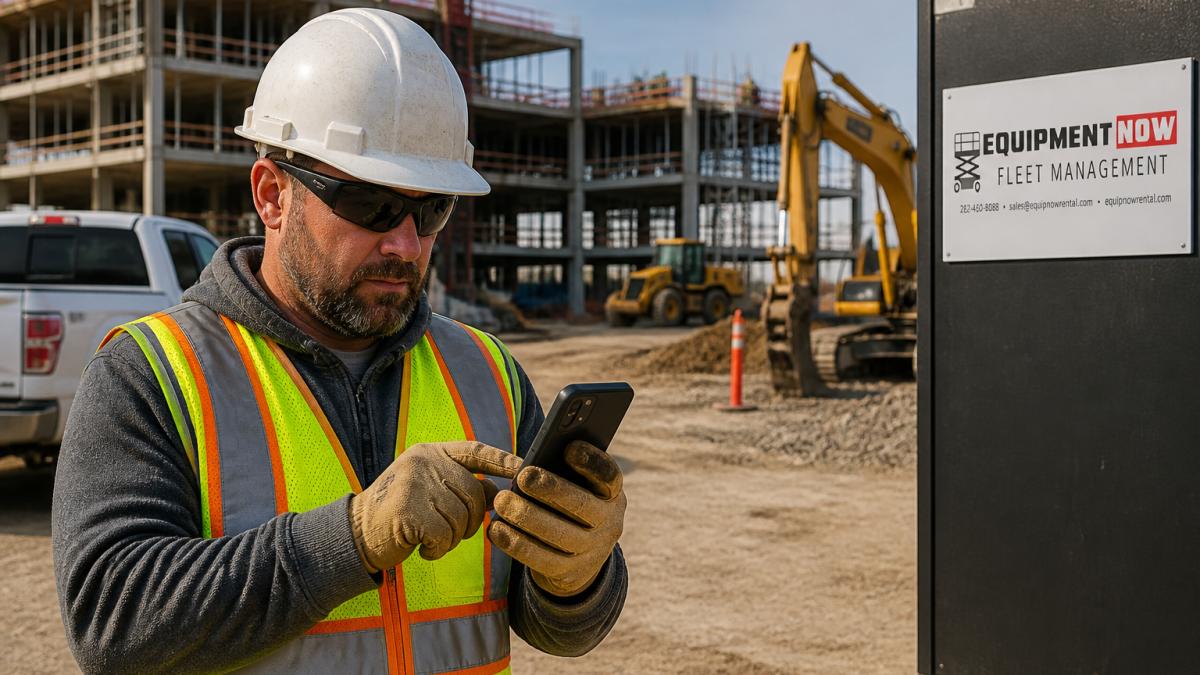
Look for photo capture, signature fields, and the ability to attach a hazard report to a specific location on site. Those features turn a routine walk-through into a usable digital record.
Construction Hazard Reporting Software: Closing the Loop on Incidents
Construction hazard reporting software is only as good as its follow-through. A report that nobody acts on is worse than no report, because it teaches crews that speaking up changes nothing.
Incident management and risk assessment should live in the same workflow. When a worker flags a hazard, the software should route it to a named owner with a due date.
Cloud Data Security for Construction: Protecting What Lives Online
Cloud data security for construction comes down to access control, encryption, and vendor diligence. Safety records contain worker details and incident histories, so data security is a real operational risk, not a checkbox.
A practical approach: limit access by role, require strong authentication, and confirm where data is stored. Record keeping rules and workplace compliance obligations mean you need to know who can see what.
Offline Workflows and Remote-Site Connectivity
Offline workflows are the feature that separates a platform built for remote construction sites from one built for an office. Connectivity on a rural site is unreliable, so the software must capture data locally and sync when a signal returns.
Here is what to ask vendors and how to test it before you commit:
- Local caching of forms, photos, and signatures. The app should store the full inspection or hazard report on the device, not just the text fields. Photos are the heaviest data and the most likely to fail on a weak signal. Confirm that images are compressed and queued for upload rather than lost.
- Conflict resolution rules. When two workers edit the same record offline, the platform needs a clear rule: last-write-wins, field-level merge, or a supervisor review queue. Ask the vendor to demonstrate this with two devices in airplane mode. A common pattern is that the first sync wins and the second user is prompted to merge, but you need to see it, not hear it.
- Background sync and retry logic. The app should attempt sync automatically when a signal appears, and retry failed uploads without user action. If a worker has to remember to press "sync" after every form, records will be lost.
A practical test: take two tablets into airplane mode, complete the same inspection form on both with different answers, then reconnect. Watch how the platform resolves the conflict. If it silently discards one set of answers, your field teams will not trust it.
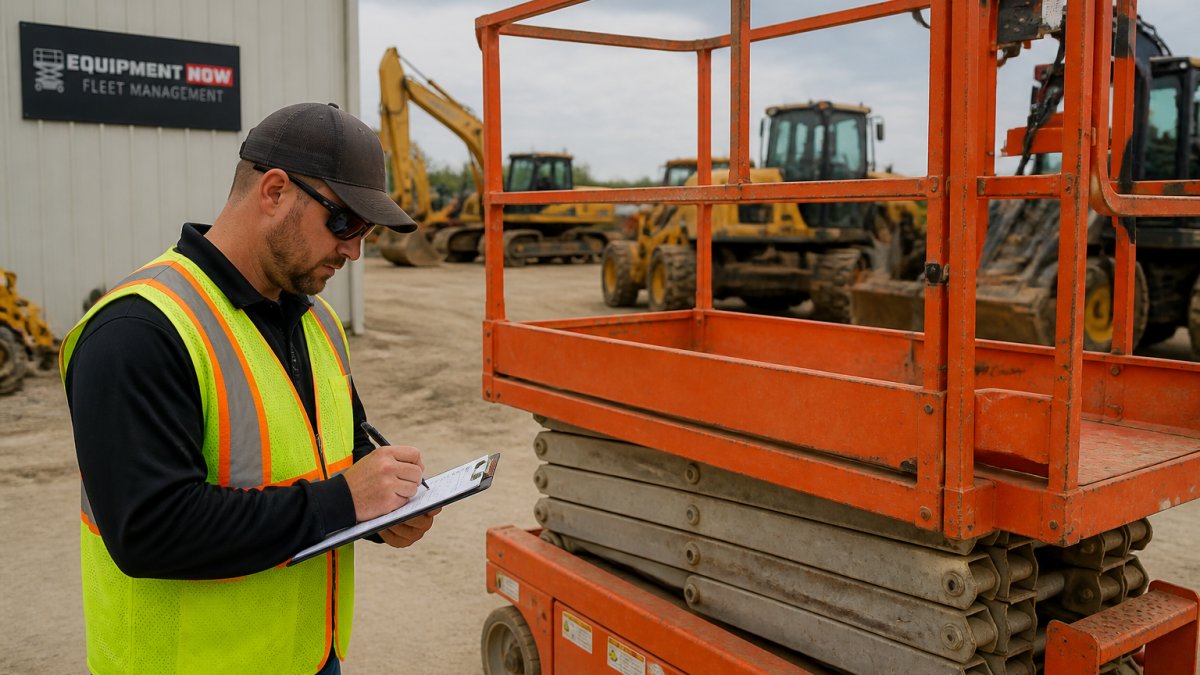
For fleet and equipment records, the same logic applies. A pre-use inspection completed offline on a piece of heavy equipment must sync back to the fleet management system so maintenance triggers and compliance records stay current.
How to Choose and Roll Out a Cloud Based Safety Platform
Choosing a platform is a project, not a purchase. Start with a short list of must-haves, score each vendor against them, then pilot with one crew before rolling out site-wide.
Vendor Evaluation Checklist
- Works offline and syncs automatically
- Mobile access on phones and tablets
- Centralized document management with version control
Implementation and Adoption Tips
Adoption fails when the software adds work instead of removing it. Train one crew first, keep the first forms short, and show workers how the app saves them time. Digital transformation on a job site succeeds when the field team sees the benefit, not when the office mandates it.
That same logic applies to the equipment side. Fleet management and consignment sales can offer advantages over auctions because they can remove some guesswork, and we will explain why next.
Measuring Safety Outcomes and Total Cost
Measure what the platform actually changes. A cloud safety platform generates data, but without defined indicators the data is just noise.
Leading indicators show whether the safety process is working:
- Inspection completion rate, the percentage of scheduled inspections actually completed on time. A common target is above 90%, but the trend matters more than the absolute number.
- Hazard closeout time, the average number of days from hazard report to verified corrective action. Track the median, not just the average, because a few old open items can hide behind a good average.
- Training compliance, the percentage of workers and subcontractors current on required safety training.
Lagging indicators show outcomes:
- Recordable incident rate and lost-time incident rate, calculated per 200,000 hours worked (the standard base for OSHA recordkeeping).
- Workers' compensation claims frequency and severity.
- Repeat violations from inspections or audits.
Set a baseline before you roll out the platform, then review the same indicators monthly.
Total cost matters too. A cloud platform carries subscription fees, training time, device costs, and setup work.
That is where fleet management and consignment sales beat auctions on total cost.
Fleet Management and Consignment Sales Beat Auctions
Auctions may look cheap until you add potential hidden costs.
Consignment sales let you move equipment you no longer need through a managed channel, with a real buyer pool, instead of gambling on a single auction day.
For contractors managing multiple sites, that predictability can be a significant advantage. A breakdown on a remote job can cost far more than the savings from a bargain auction buy.
Frequently Asked Questions
What is cloud based safety management for construction?
Cloud based safety management is software that stores safety records, inspections, permits, and incident reports on remote servers instead of paper binders or local drives. Field teams access it through a browser or mobile app, so a supervisor at a remote site can log a hazard report and an office manager sees it minutes later. For contractors running multiple jobs, it keeps documentation consistent and searchable across every project. Equipment Now Rental and Sales offers fleet management support that pairs well with these platforms for equipment compliance tracking.
How can construction teams manage safety across remote job sites?
The practical answer is mobile access plus centralized records. A mobile safety inspection app for construction lets workers complete checklists on a phone, attach photos, and submit before leaving the site. Those records sync to a single dashboard, so safety managers compare performance across projects without chasing emails. Set clear expectations for daily reporting, assign corrective actions with due dates, and review the dashboard weekly. Teams that standardize their forms see fewer gaps than teams that let each site invent its own process.
What features should construction safety management software include?
Prioritize construction safety management software with mobile inspection forms, hazard reporting, permit tracking, corrective action workflows, and document control. Look for offline mode, since remote sites lose signal, and automatic sync when connectivity returns. Role-based permissions matter for cloud data security for construction, and audit trails help with compliance reviews. A comparison table of vendors should weigh these features against your crew size and the number of active sites you run.
Can workers report hazards from a mobile device?
Yes. Construction hazard reporting software built for mobile lets a worker photograph an unsafe condition, tag its location, and submit it in under a minute. The report routes to the safety lead, who assigns a corrective action and a deadline. Workers get a notification when the issue closes, which builds trust in the system. The key is keeping the form short: five fields or fewer, photo optional but encouraged, and no login friction beyond a saved profile.
How can construction companies protect safety data stored in the cloud?
Start with vendor due diligence. Ask about encryption in transit and at rest, role-based access, audit logs, and how security patches are applied. Confirm the provider handles automatic updates so your team is not running outdated software. On your side, enforce strong passwords, remove access for departed workers promptly, and limit admin rights. Cloud data security for construction is a shared responsibility, and the vendor contract should spell out breach notification terms and data ownership.
How do you choose safety management software for multiple construction sites?
Build a shortlist around your site count, crew size, and reporting needs. Request demos and test the mobile app on a real phone, not a desktop. Ask how the platform handles offline workflows, integrations with your accounting or scheduling tools, and per-site reporting. Compare total cost, including setup, training, and subscription tiers, and get a written quote. Pilot with one project before rolling out company-wide.
Remote sites punish guesswork, whether the risk is a missing safety record or an unmaintained machine. Equipment Now Rental and Sales supports both sides of that equation with online booking, real-time availability, and a fleet management service covering acquisition, preventive maintenance, GPS tracking, compliance, cost analysis, and asset retirement. Get started with Equipment Now Rental and Sales and put your safety records and your fleet on solid footing.